- Business
- Esoteric
- Fitness & Gym
- Health
- Hypnosis
- Management
- Marketing & Selling
- Massage – SPA
- Parenting
- PUA Seduction
- Science
- Self Improvement
- Art
- Investing
- Painting & Sculpting
- Tai Chi & Martial Arts
- Qigong
- Taoism
- Design & Graphics
- Medicine
- Exams
- Spirituality & Religion
- Hobbies & Fixing & Woodworking
- Photography & Film Making
- Networking & Lan
- Forex & Trading
- IQ & Memory
- Vision & Eye Care
- Swimming & Scuba diving & Water Sports
- Security & Hacking
- Travel
- Cooking
- Driving & Flighting
- Languages
- Computers & Programming
- Building & Home Improvement
- Music
- Astronomy
- History
- Mathematics
- Philosophy
- Literature & Writing
- Economics & Finance
- Sewing
- Hunting
- Electronics
- Psychology & Psychiatry


Advanced Accessible PDFs (2023)
$5.00
Description
Released 3/2023
MP4 | Video: h264, 1280×720 | Audio: AAC, 44.1 KHz, 2 Ch
Skill Level: Advanced | Genre: eLearning | Language: English + srt | Duration: 6h 46m | Size: 1.44 GB
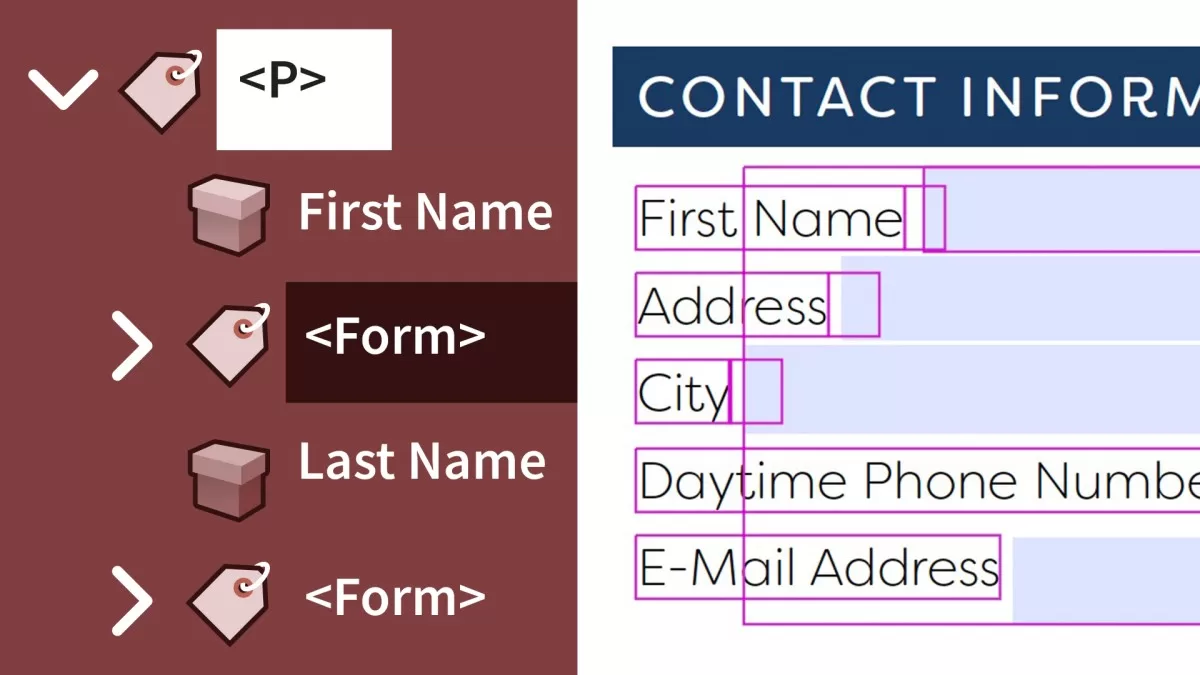
Accessible PDF files are files that can be read by a screen reader by users who are visually impaired. While you can’t just push a button to make a PDF accessible, with the tools available in Microsoft Word and Adobe InDesign, you can make sure that any PDF you create is a valid accessible PDF file. Prioritizing accessibility doesn’t mean you can’t leverage the powerful tools the PDF format offers, though, and in this course, instructor Chad Chelius outlines techniques that can help you manage complex layouts and add advanced features like PDF forms, PDF/UA compliance, and complex tables, while keeping PDFs accessible and compliant. Chad shows you how to add and adjust PDF tags to optimize the screen-reading experience, make scanned PDFs accessible, examine and repair tables, remediate existing files to meet PDF/UA standards, and more. He also covers advanced issues that come up with Acrobat, InDesign, and Word.
HOMEPAGE
https://anonymz.com/?https://www.linkedin.com/learning/advanced-accessible-pdfs-21974253
Reviews (0)
Only logged in customers who have purchased this product may leave a review.
Shipping & Delivery
DIGITAL DELIVERY ONLY
This is digital product THE DOWNLOAD LINK SEND 12-24 HOURS AFTER UPON PURSUASE AND PAYMENT CLEARS"
- The digital files are uploaded on PCLOUD
- 12-24 hours delivery time
- the download links expire after 7 days and need to download them
- to renew the download link after expiration have one additional fee $5 per product
REQUESTS
Also we accept requests and course exchanges
In Course exchanges we are sending credits only
The credits will be the same price as we can sell course
"REFUNDS & RETURNS"
No Refunds on digital product
ONLY EXCHANGE
- Because of the abuse of the refunds from many customers i don't accept refunds
- We accept only 1 time exchange with product of the same price
- if you done mistake on the exchangeable product i don't recognize it as your mistake
- Exchanges only 3 days after the payment of your digital product. (if abused again i will do it 1 day)


Reviews
There are no reviews yet.