- Business
- Esoteric
- Fitness & Gym
- Health
- Hypnosis
- Management
- Marketing & Selling
- Massage – SPA
- Parenting
- PUA Seduction
- Science
- Self Improvement
- Art
- Investing
- Painting & Sculpting
- Tai Chi & Martial Arts
- Qigong
- Taoism
- Design & Graphics
- Medicine
- Exams
- Spirituality & Religion
- Hobbies & Fixing & Woodworking
- Photography & Film Making
- Networking & Lan
- Forex & Trading
- IQ & Memory
- Vision & Eye Care
- Swimming & Scuba diving & Water Sports
- Security & Hacking
- Travel
- Cooking
- Driving & Flighting
- Languages
- Computers & Programming
- Building & Home Improvement
- Music
- Astronomy
- History
- Mathematics
- Philosophy
- Literature & Writing
- Economics & Finance
- Sewing
- Hunting
- Electronics
- Psychology & Psychiatry
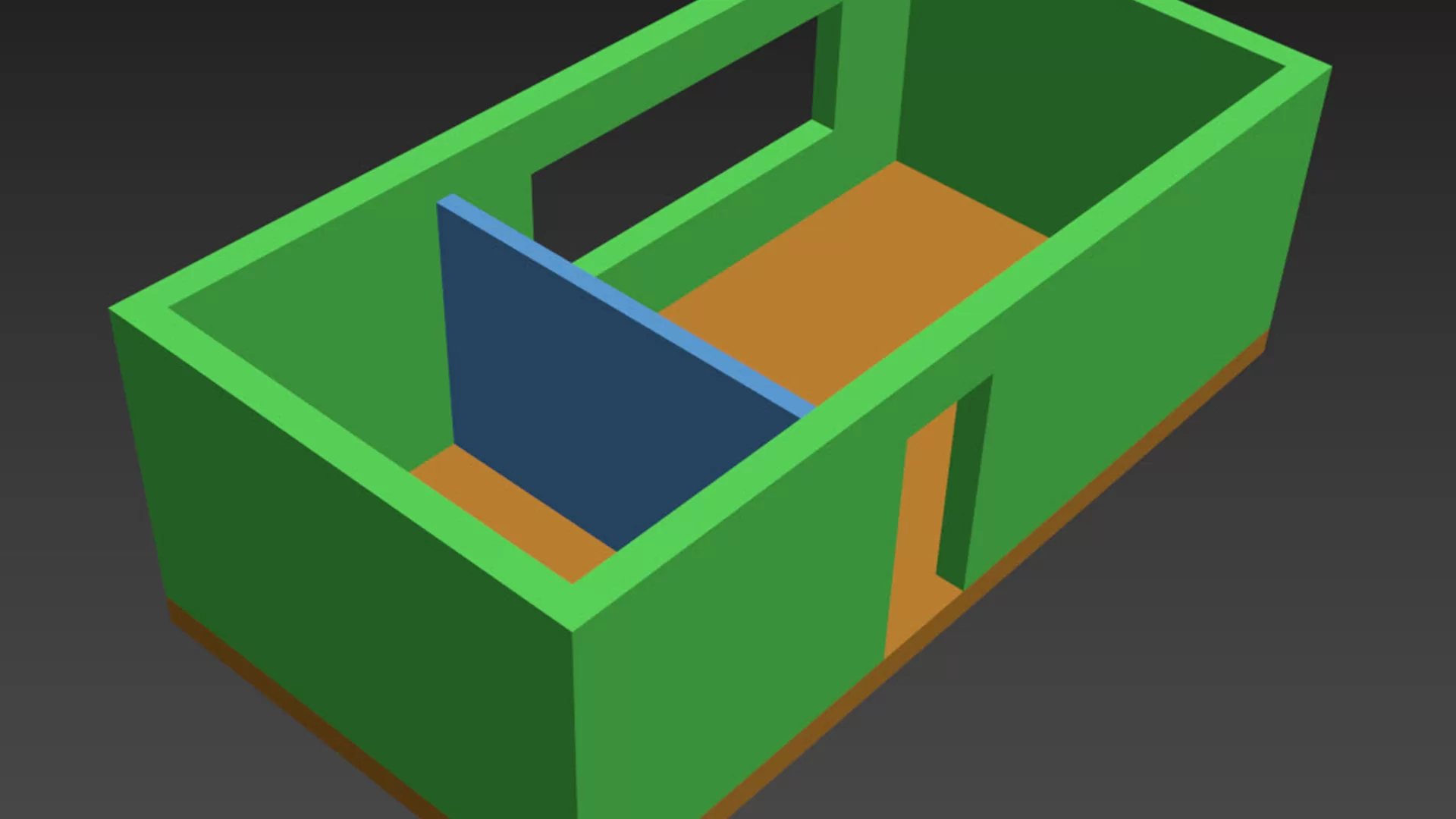

AutoCAD: Importing a 2D Project into 3ds Max
$5.00
Description
MP4 | Video: AVC, 1280×720 30 fps | Audio: AAC, 48 KHz, 2 Ch | Duration: 1h 38m
Skill Level: Intermediate | Genre: eLearning | Language: English + Sub | Size: 243 MB
Skill Level: Intermediate | Genre: eLearning | Language: English + Sub | Size: 243 MB
Discover how to take a flat, two-dimensional CAD drawing and use Autodesk 3ds Max to develop it into a three-dimensional model with walls and a floor. Instructor Shaun Bryant begins by demonstrating how to prepare an existing 2D CAD drawing for use in 3ds Max. Next, learn about choosing the right settings for saving the drawing in AutoCAD, then see how to import the resulting file in 3ds Max. Shaun covers which tools to use inside 3ds Max, shows how to extrude a floor and walls, talks about basic shapes which might be needed for further visualization, and demonstrates how to save a 3ds Max scene.
Topics include:
Preparing a 2D CAD drawing
Saving the correct file type
Creating new boundaries
Working with existing CAD drawing and layers
Setting up 3D layers
Working with the units of a new drawing
Setting display units in 3ds Ma
xImporting, linking, and locating
Extruding boundaries
Preventing clashes
HOMEPAGE
_https://www.lynda.com/AutoCAD-tutorials/AutoCAD-Importing-2D-Project-3ds-Max/2811023-2.html
Reviews (0)
Only logged in customers who have purchased this product may leave a review.
Shipping & Delivery
DIGITAL DELIVERY ONLY
This is digital product THE DOWNLOAD LINK SEND 12-24 HOURS AFTER UPON PURSUASE AND PAYMENT CLEARS"
- The digital files are uploaded on PCLOUD
- 12-24 hours delivery time
- the download links expire after 7 days and need to download them
- to renew the download link after expiration have one additional fee $5 per product
REQUESTS
Also we accept requests and course exchanges
In Course exchanges we are sending credits only
The credits will be the same price as we can sell course
"REFUNDS & RETURNS"
No Refunds on digital product
ONLY EXCHANGE
- Because of the abuse of the refunds from many customers i don't accept refunds
- We accept only 1 time exchange with product of the same price
- if you done mistake on the exchangeable product i don't recognize it as your mistake
- Exchanges only 3 days after the payment of your digital product. (if abused again i will do it 1 day)


Reviews
There are no reviews yet.