- Business
- Esoteric
- Fitness & Gym
- Health
- Hypnosis
- Management
- Marketing & Selling
- Massage – SPA
- Parenting
- PUA Seduction
- Science
- Self Improvement
- Art
- Investing
- Painting & Sculpting
- Tai Chi & Martial Arts
- Qigong
- Taoism
- Design & Graphics
- Medicine
- Exams
- Spirituality & Religion
- Hobbies & Fixing & Woodworking
- Photography & Film Making
- Networking & Lan
- Forex & Trading
- IQ & Memory
- Vision & Eye Care
- Swimming & Scuba diving & Water Sports
- Security & Hacking
- Travel
- Cooking
- Driving & Flighting
- Languages
- Computers & Programming
- Building & Home Improvement
- Music
- Astronomy
- History
- Mathematics
- Philosophy
- Literature & Writing
- Economics & Finance
- Sewing
- Hunting
- Electronics
- Psychology & Psychiatry
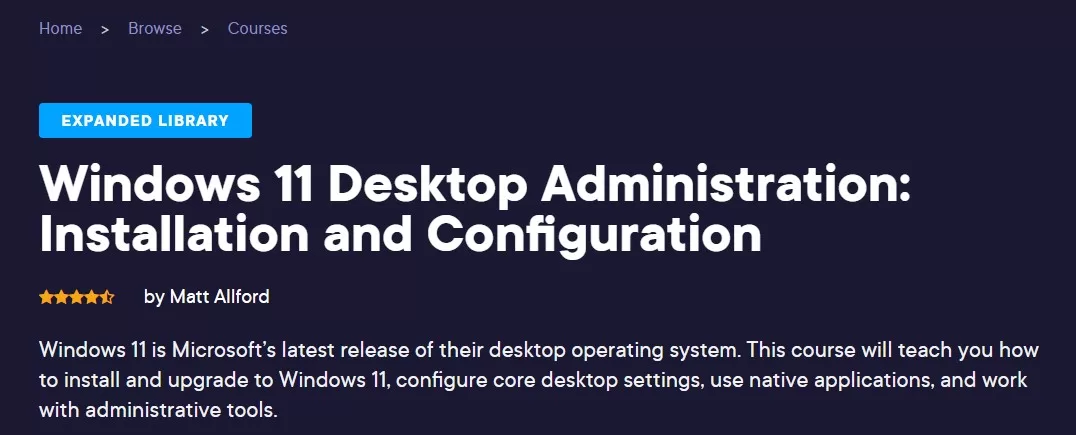


Windows 11 Desktop Administration – Installation and Configuration
$5.00
Description
Released 3/2023
MP4 | Video: h264, 1280×720 | Audio: AAC, 44.1 KHz, 2 Ch
Level: Beginner | Genre: eLearning | Language: English + vtt | Duration: 7h 5m | Size: 845 MB
Windows 11 is Microsoft’s latest release of their desktop operating system. This course will teach you how to install and upgrade to Windows 11, configure core desktop settings, use native applications, and work with administrative tools.
Windows 11 is the newest release of Microsoft’s flagship desktop operating system, and while there are similarities to previous editions of Windows, there are many new features and capabilities. If you are a Windows power user or an IT support professional, you can benefit from understanding how to install, upgrade, and configure Windows 11 to be more proficient in your day-to-day usage of Windows. In this course, Windows 11 Desktop Administration: Installation and Configuration, you’ll learn to install and upgrade to Windows 11, and configure core operating system components. First, you’ll explore the options for doing a clean installation of Windows 11, and understand how to upgrade an existing installation of Windows to Windows 11. Next, you’ll discover some core operating system configurations and explore various Windows 11 desktop settings, including some new and enhanced features. Finally, you’ll learn how to use some of the native applications in Windows 11, and you’ll work with some of the common administrative tools available to you as a power user and support technician. When you’re finished with this course, you’ll have the skills and knowledge of installing and configuring Windows 11, in both a consumer and business environment
HOMEPAGE
https://anonymz.com/?https://www.pluralsight.com/courses/win-11-desktop-admin-installation-configuration
Reviews (0)
Only logged in customers who have purchased this product may leave a review.
Shipping & Delivery
DIGITAL DELIVERY ONLY
This is digital product THE DOWNLOAD LINK SEND 12-24 HOURS AFTER UPON PURSUASE AND PAYMENT CLEARS"
- The digital files are uploaded on PCLOUD
- 12-24 hours delivery time
- the download links expire after 7 days and need to download them
- to renew the download link after expiration have one additional fee $5 per product
REQUESTS
Also we accept requests and course exchanges
In Course exchanges we are sending credits only
The credits will be the same price as we can sell course
"REFUNDS & RETURNS"
No Refunds on digital product
ONLY EXCHANGE
- Because of the abuse of the refunds from many customers i don't accept refunds
- We accept only 1 time exchange with product of the same price
- if you done mistake on the exchangeable product i don't recognize it as your mistake
- Exchanges only 3 days after the payment of your digital product. (if abused again i will do it 1 day)


Reviews
There are no reviews yet.